
Pick your server
Private servers are safer early; trusted public lobbies can be better with friends.
Start here
Learn the early-game loop: pick a safe server, plant cheap crops first, reinvest Sheckles, use pets and gear carefully, and protect valuable harvests at night.
Private servers are safer early; trusted public lobbies can be better with friends.
Use Carrots and Strawberries to create steady cash before chasing rare stock.
Move toward Tomatoes, then save for stronger seeds once your balance is stable.
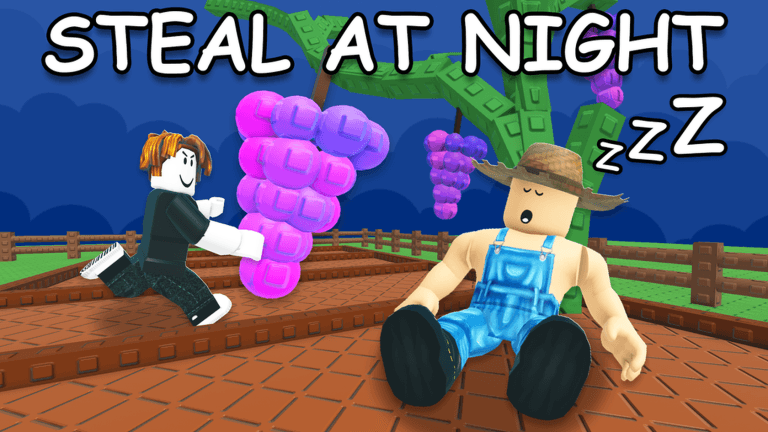
Hold high-value crops for useful events, but avoid leaving them exposed at night.
Rare seeds are exciting, but an empty balance means you miss the next useful shop refresh.
Weather and mutation events can improve strong crops, but waiting too long can still waste value.
Use bargain-style selling only on valuable harvests where the possible upside beats the fee.
Public servers can expose crops to thieves, so plan defense before carrying rare harvests.
Never trust free reward claims, scripts, or copycat Roblox pages.
Check codes, guild rewards, weather events, and seed packs as a habit instead of a panic search.